Free WordPress Poll Starter Kit
Stop guessing what your audience wants. Ask them.
Pick the decision you’re stuck on, publish one poll, and find out what your audience thinks, and how far to trust the answer.
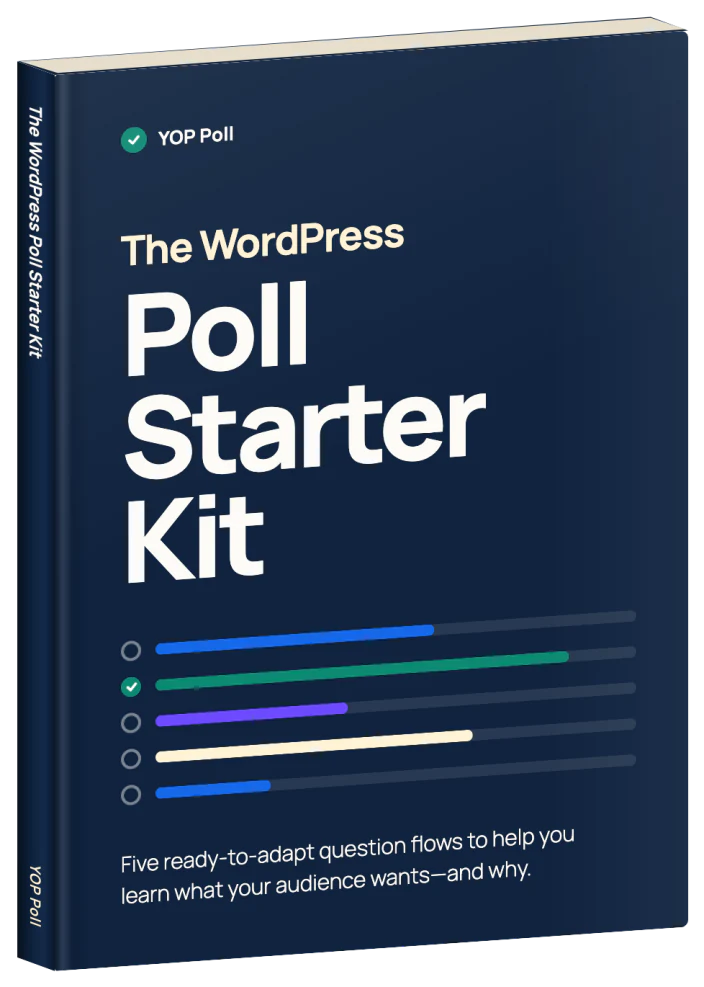
Five ready-to-use guides, from what to create next to which option to pick and what to fix first. Each one works with YOP Poll Free.
Written by the team behind YOP Poll, building WordPress polls since 2012.
Five free poll guides, and how to read the results honestly
For each decision: the question to ask, the answer options, and the setup steps.
Inside the kit
What are you stuck on right now?
Pick the guide that matches your decision. Each one gives you the question, the answer options, and the steps to build it in YOP Poll.
- What should I create next?
Let your audience pick the topic, so your next post or course already has demand. - Which option should I go with?
Narrow your shortlist before you commit time or money to the wrong one. - What should I fix first?
Find out what customers value most and what bugs them, so you know what to fix first. - Was my workshop any good?
Get honest feedback while it’s fresh, and make the next session better. - Why aren’t more people recommending me?
Find out what people would praise to a friend, and what stops them from doing it.
Every guide also shows you how to read the results, including what they can’t tell you.
See an example
See how one guide works
Here’s the workshop and course feedback guide: the question, the optional follow-ups, and what to do with the answers.
Guide 4: Workshop and course feedback
When to use it
Use it at the end of a workshop, webinar, course module or event, while the experience is fresh. It suits trainers, course creators, coaches and event organisers.
Main question
How would you rate [today’s workshop / this module] overall?
- Excellent
- Good
- Okay
- Poor
Optional Pro follow-ups
What would have made it better?
When to show it: only if the rating is Okay or Poor.
What was most valuable?
When to show it: only if the rating is Excellent or Good.
How to use the answers
Compare ratings across sessions. Look for repeated feedback before deciding what to change.
Keep in mind
With a small group, one or two responses can change the picture. Treat the results as a signal, not a final verdict.
The full guide adds setup steps for YOP Poll Free, answer options for the follow-ups, and more help reading the results.
Try the workshop example
Rate a sample workshop and watch the follow-up question change with your answer.
Demo only. Your answers aren’t saved.
Want a guide for your own decision?
Get all five guides, with the setup steps and help reading the results.
About YOP Poll
A poll plugin that runs on your own WordPress site
Build polls in your WordPress dashboard and add them to any page. Votes are stored in your own WordPress database, not on someone else’s server.
Rated 4.4/5 from 452 reviews on WordPress.org · 10,000+ active sites · Since 2012
Add follow-ups with Pro
Show a follow-up question based on the answer, so you learn the reason behind a rating.
The kit is free, and Pro is not required.
FAQ
Questions about the starter kit
Who is the kit for?
Bloggers, course creators, trainers, shop owners and community sites on WordPress who want to ask their audience before they decide.
Do I need YOP Poll Pro?
No. Every guide includes a main question you can use with YOP Poll Free. The optional follow-ups use Pro.
Can I import these guides into YOP Poll?
No. They’re written guides. Copy and adapt the question and answers, then create the poll in YOP Poll.
What emails will I receive?
We’ll email you the starter kit, followed by practical polling guidance and YOP Poll product updates. You can unsubscribe at any time.
Can I install YOP Poll Free without giving you my email?
Yes. You can get YOP Poll Free directly from WordPress.org. Signing up here is for the starter kit and ongoing YOP Poll emails.
Your audience already knows the answer. Ask them this week.
Pick the decision you’re stuck on, run the poll, and know what the results can and can’t tell you.
Free 12-page PDF. We’ll also send polling tips and YOP Poll product updates. Unsubscribe at any time.